Markdown Elements Sample
A comprehensive sample of all markdown elements to verify rendering.
Headings
Heading 1
Heading 2
Heading 3
Heading 4
Heading 5
Heading 6
Paragraphs & Inline
This is a regular paragraph. Lorem ipsum dolor sit amet, consectetur adipiscing elit. Sed do eiusmod tempor incididunt ut labore et dolore magna aliqua.
This is bold text, this is italic text, this is bold italic, and this is strikethrough.
This is inline code within a sentence.
This is a link to GitHub and this is an auto-link: https://anggagewor.github.io
Blockquotes
This is a blockquote. It can span multiple lines and contain other elements.
This is a nested blockquote.
Note: This is a blockquote with bold text and
inline code.
Lists
Unordered List
- Item one
- Item two
- Nested item A
- Nested item B
- Deep nested item
- Item three
Ordered List
- First item
- Second item
- Sub-item one
- Sub-item two
- Third item
Task List
- Completed task
- Another completed task
- Incomplete task
- Another incomplete task
Code Blocks
Inline Code
Use the composer install command to install dependencies.
Fenced Code Block (no language)
$ php artisan serve
$ npm run dev
PHP
<?php

namespace App\Services;

class UserService
{
    public function __construct(
        private readonly UserRepository $repository,
    ) {}

    public function findById(int $id): ?User
    {
        return $this->repository->find($id);
    }
}
TypeScript
interface ApiResponse<T> {
  data: T;
  message?: string;
  meta?: PaginationMeta;
}

async function fetchUsers(page: number = 1): Promise<ApiResponse<User[]>> {
  const response = await http.get('/api/users', { params: { page } });
  return response.data;
}
Rust
use tauri::command;

#[command]
fn greet(name: &str) -> String {
    format!("Hello, {}! Welcome to Crate.", name)
}

fn main() {
    tauri::Builder::default()
        .invoke_handler(tauri::generate_handler![greet])
        .run(tauri::generate_context!())
        .expect("error while running tauri application");
}
Vue (HTML)
<template>
  <div class="dashboard">
    <h1></h1>
    <TaskList :tasks="tasks" @complete="handleComplete" />
  </div>
</template>

<script setup lang="ts">
import { ref } from 'vue'
import TaskList from '@/components/TaskList.vue'

const title = ref('My Dashboard')
const tasks = ref<Task[]>([])
</script>
JSON
{
  "name": "personal",
  "version": "1.0.0",
  "dependencies": {
    "vue": "^3.4.0",
    "pinia": "^2.1.0",
    "vue-router": "^4.3.0"
  }
}
Shell / Bash
#!/bin/bash

# Deploy script
echo "Building project..."
npm run build

echo "Deploying to production..."
rsync -avz dist/ user@server:/var/www/app/

echo "Done!"
Tables
| Feature | Crate | Snag | Purdia |
|---|---|---|---|
| Desktop | ✅ | ✅ | ❌ |
| Web | ❌ | ❌ | ✅ |
| Offline | ✅ | ✅ | ❌ |
| Open Source | ✅ | ✅ | ✅ |
Right/Center Aligned
| Name | Stack | Status |
|---|---|---|
| Crate | Tauri + Vue | Active |
| Snag | Tauri + Rust | Active |
| Personal | Laravel + Vue | Active |
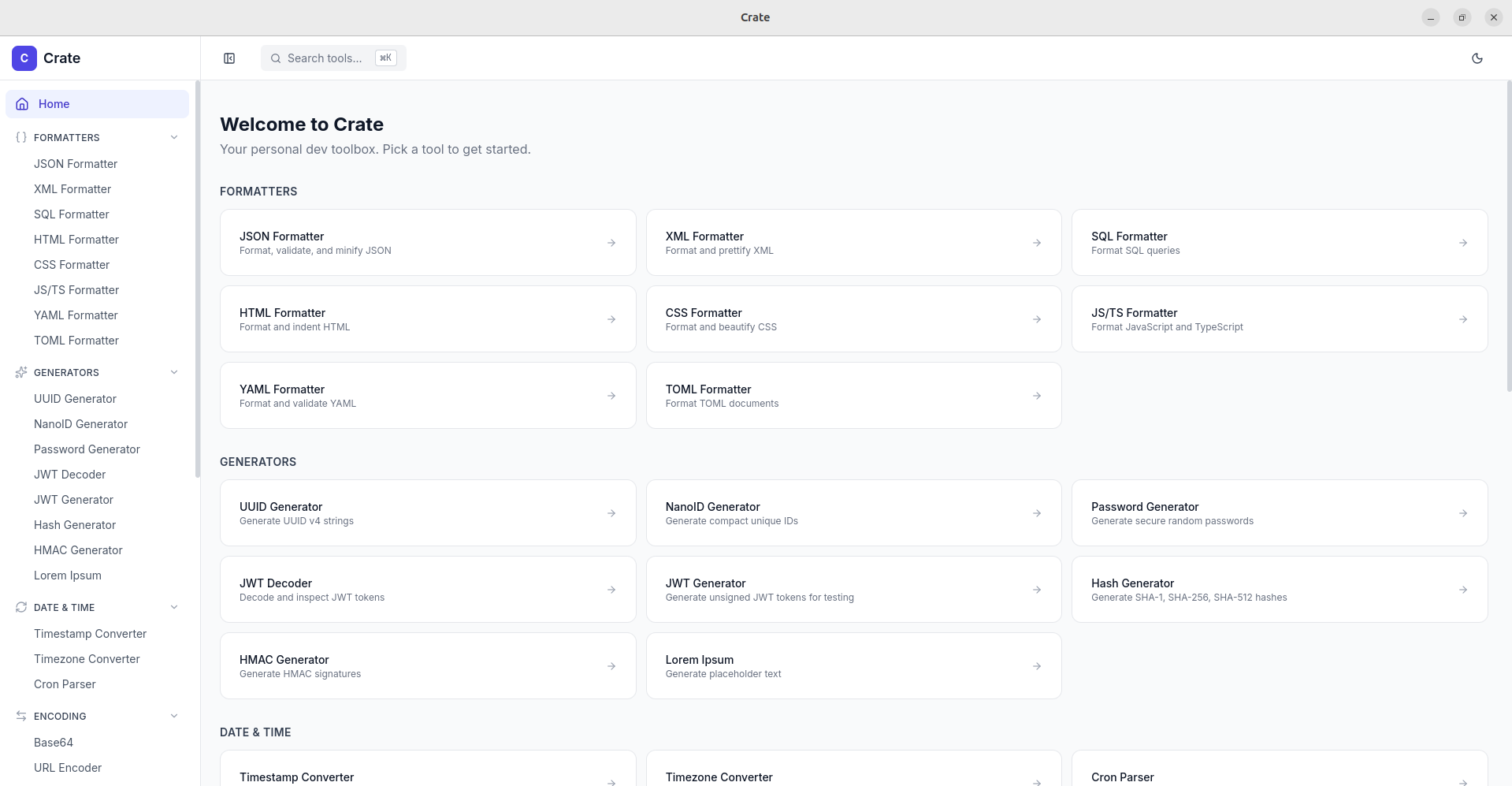
Images
Horizontal Rules
Three different syntaxes:
Footnotes
Here is a sentence with a footnote1.
And another one2.
Definition Lists
- Term 1
- Definition for term 1
- Term 2
- Definition for term 2
- Another definition for term 2
Abbreviations
The HTML specification is maintained by the W3C.
Math (if supported)
Inline math: $E = mc^2$
Block math:
\[\frac{n!}{k!(n-k)!} = \binom{n}{k}\]Emoji (GitHub-style)
:rocket: :fire: :sparkles: :bug: :white_check_mark:
HTML Elements (raw)
Click to expand
This is hidden content inside a collapsible section. - Item inside details - Another itemCtrl + Shift + P
This text is highlighted
superscript and subscript
Long Code Block (overflow test)
This is a very long line that should trigger horizontal scrolling in the code block to test overflow behavior and make sure it doesn't break the layout of the page or cause any weird rendering issues.
That covers all standard markdown elements. Check which ones render correctly!